

Install Windows 10 For free At Home !! Step By Step.
Thank you for reading this post, don't forget to subscribe!
Required :-
- Must Have Internet Atleast 6GB.
- A bootable USB drive (8GB or larger) or a DVD.
- A valid Windows 10 product key (optional, but recommended).
- Power Supply At least 1 Hour. !!Without Power Off….!!
Follow These Steps For Download And Installation of Windows 10 .
- Create Installation Media: “Download the Windows 10 Media Creation Tool” from Microsoft’s official website: https://www.microsoft.com/en-us/software-download/windows10
its “Download Software” of About 7MB.Then “Install” and “Open It“. Techinfo365.in

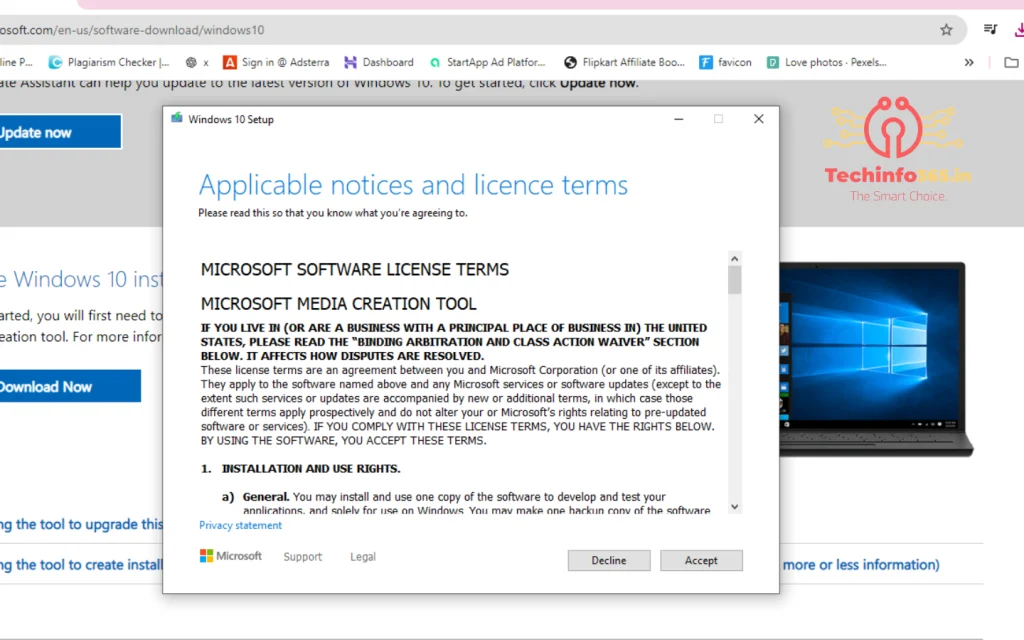
2. After Opening Shows Accept licence and services ” Accept it “…
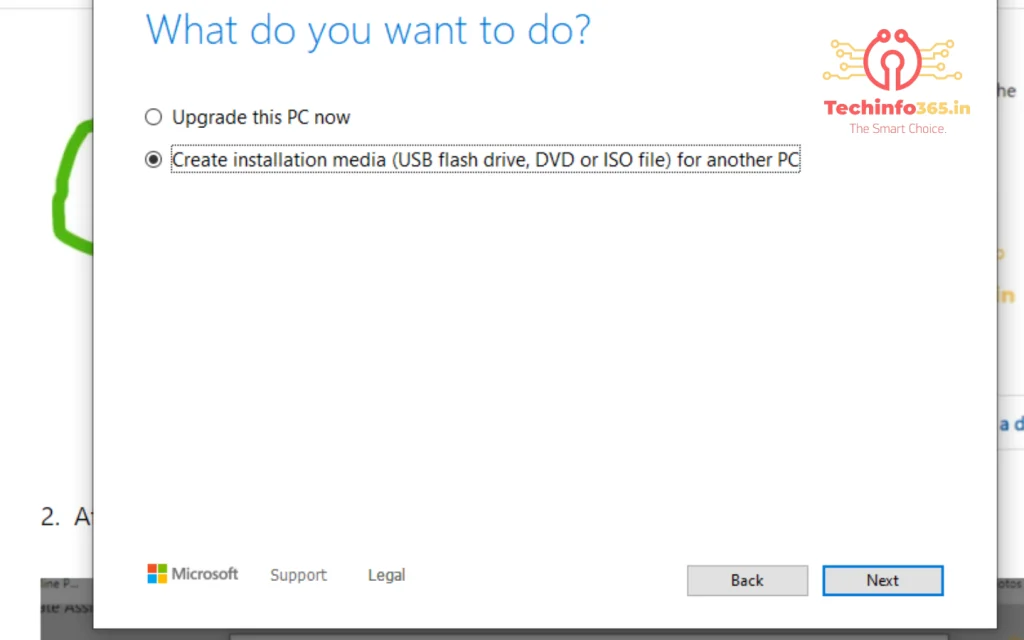
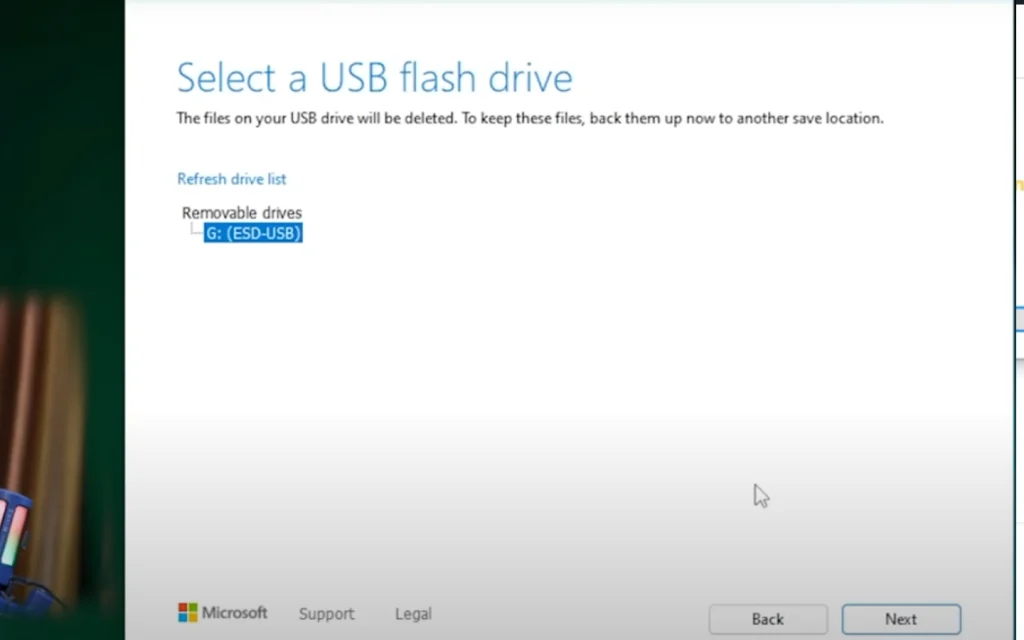
3. Then Select The ” Create installation media (USB flash drive,DVD or ISO file) for another PC ” then Next
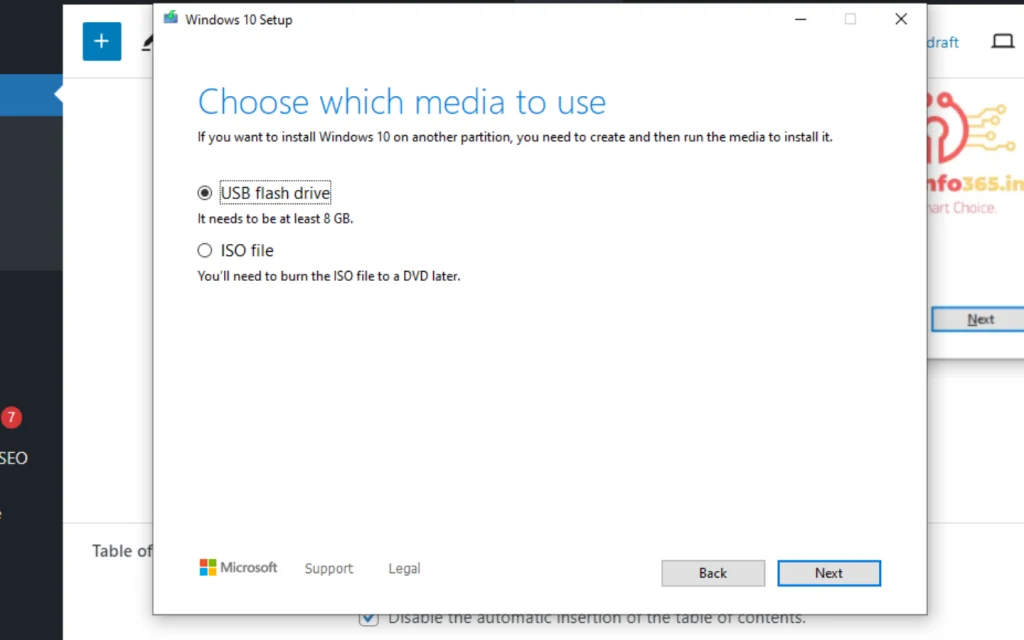
4. Select The Langauge And Architecture (64Bit) or (32 Bit)
A 64-bit processor can handle larger amounts of memory and provide better performance than a 32-bit processor

Advertisement
Advertisement
advertisment

advertisement
Advertisement
Advertisement

advertisement

Native Ads
END

Here The Full Detail:-
Microsoft provides a safe and official way to download the Windows 10 installation media. Here’s how to do it:
- Visit the Microsoft software download website: https://www.microsoft.com/en-us/software-download/windows10
- Click on the “Download now” button and choose the appropriate edition of Windows 10 (32-bit or 64-bit).
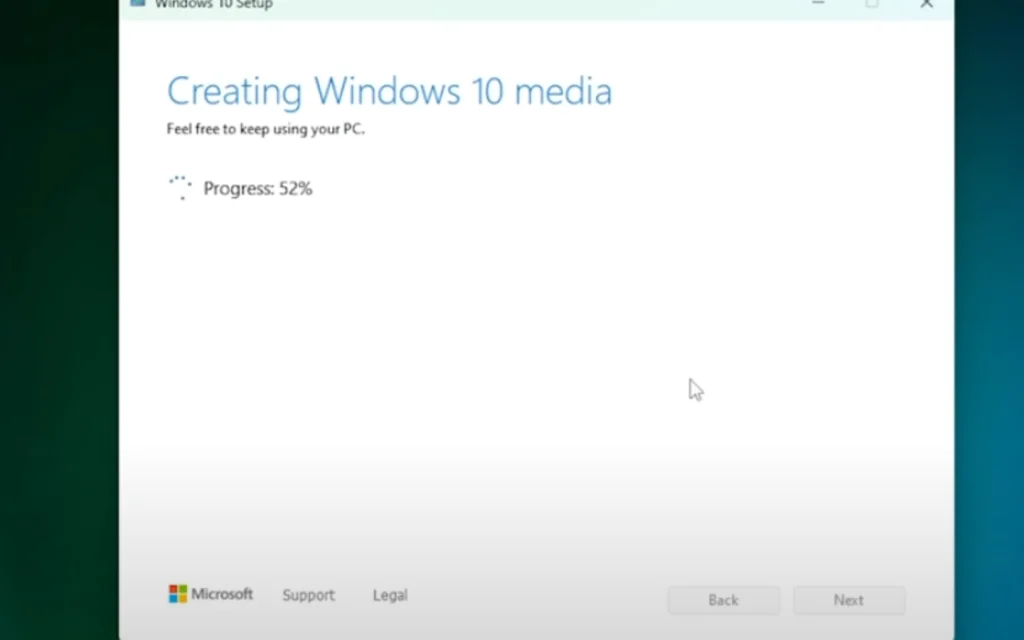
- Once the download is complete, run the Media Creation Tool and follow the on-screen instructions to create a bootable USB drive or DVD.
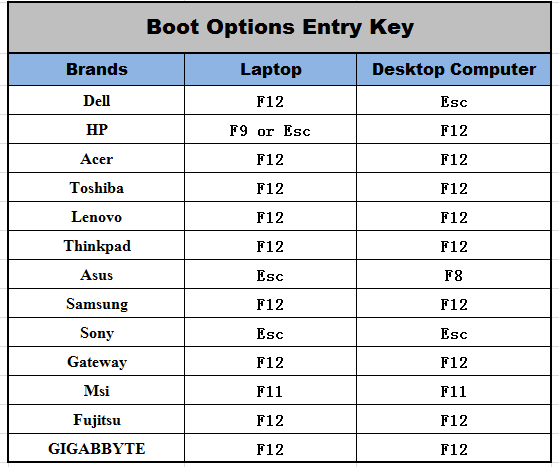
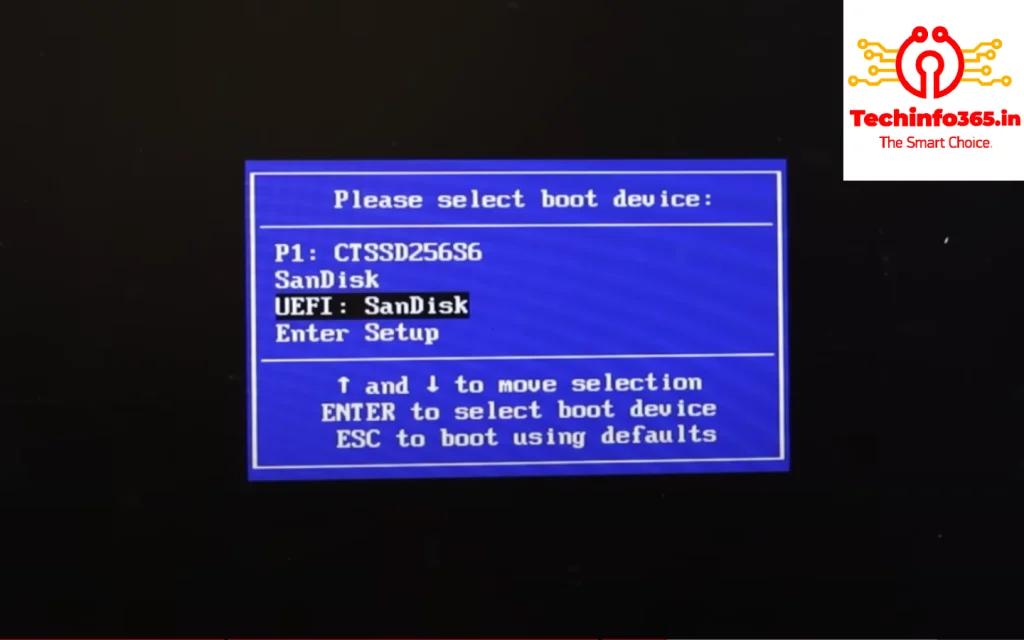
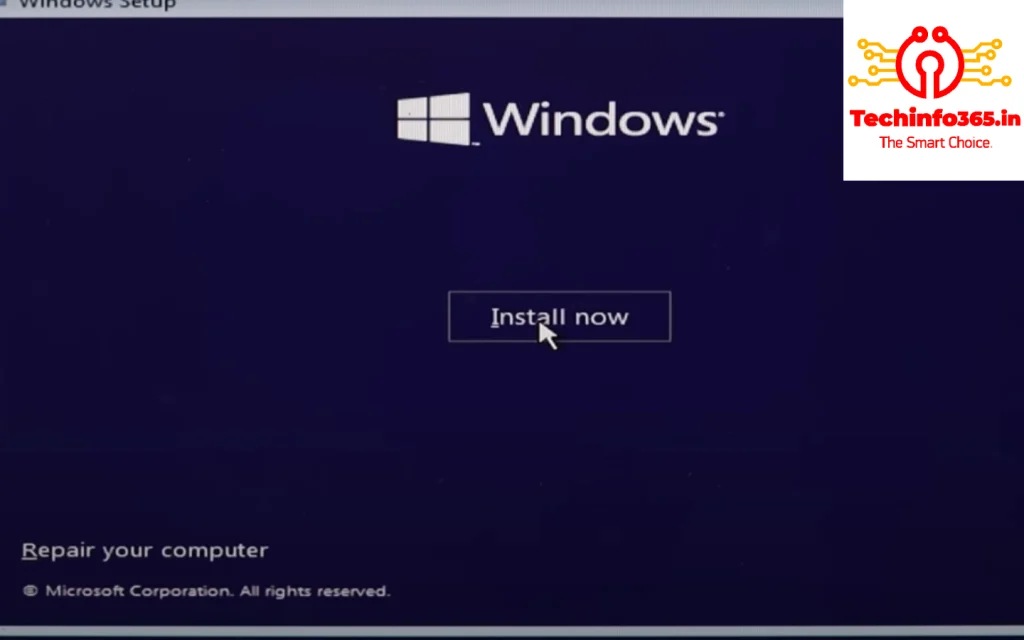
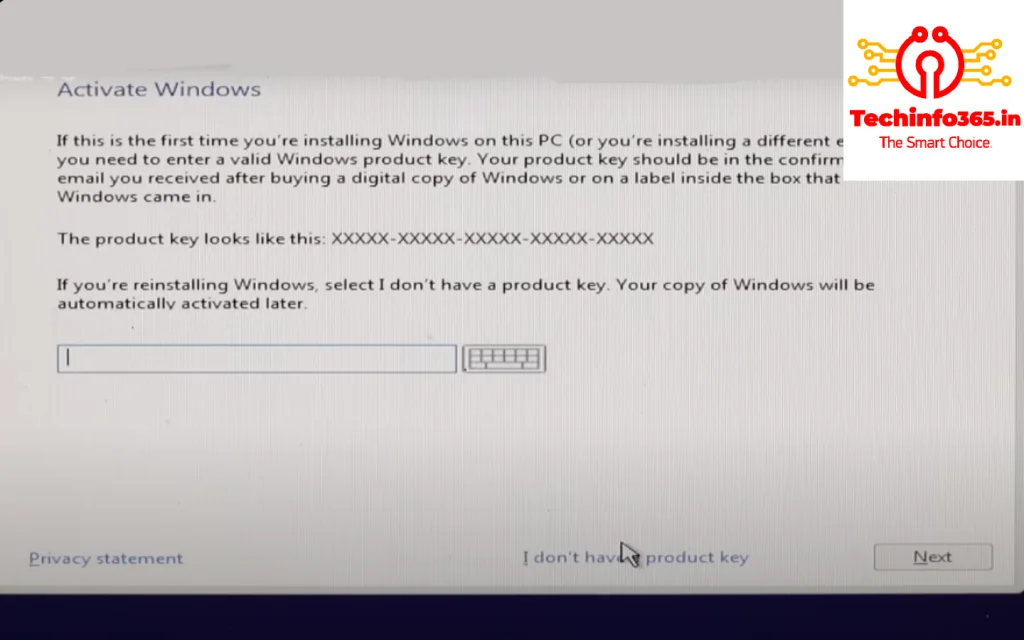
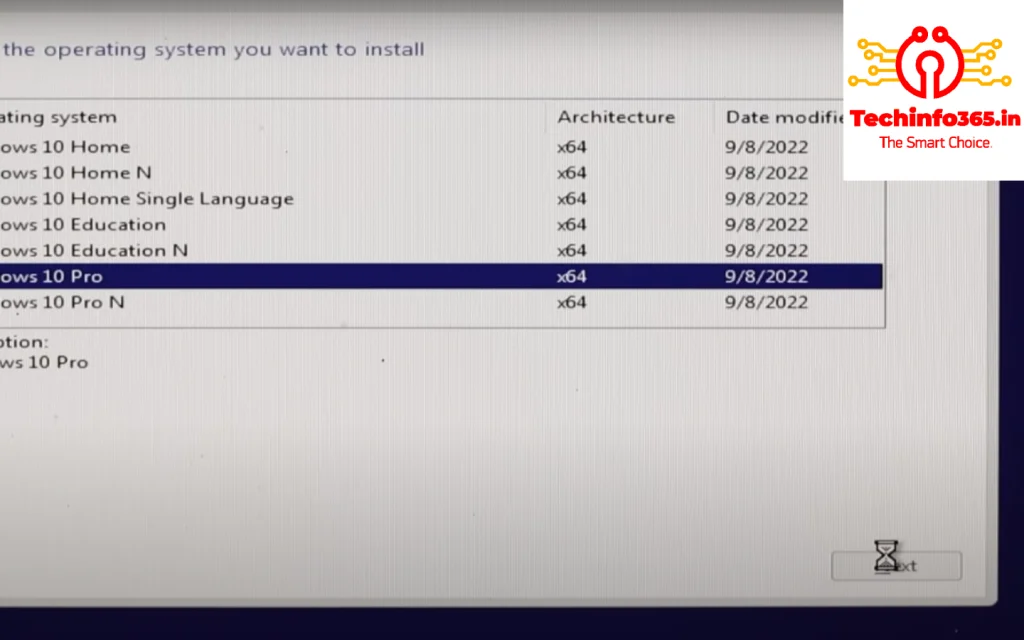
Once you have the installation media, you can boot your computer from it and follow the on-screen instructions to install Windows 10. Sources and related content